J.O.T AUTOCAD & CIVIL 3D AI PLUGIN

Smarter automation for AutoCAD and Civil 3D. No coding required.

J.O.T AutoCAD & Civil 3D AI Plugin works as an AI-powered assistant inside Autodesk AutoCAD and Civil 3D, helping engineers streamline repetitive drafting, simplify complex routines, and move from task to result much faster.

START WITH THE FREE PLAN — UP TO 15 AI REQUESTS PER DAY.

Why J.O.T AutoCAD & Civil 3D AI?

Because engineering time is too valuable to waste on routine work.

Hours Lost

Redrawing geometry, exporting data, labeling objects, updating profiles and layouts…

Endless Repetition

The same commands, the same workflows, repeated across drawings and projects.

Immediate Results

J.O.T AI compresses hours of routine work into a matter of seconds.

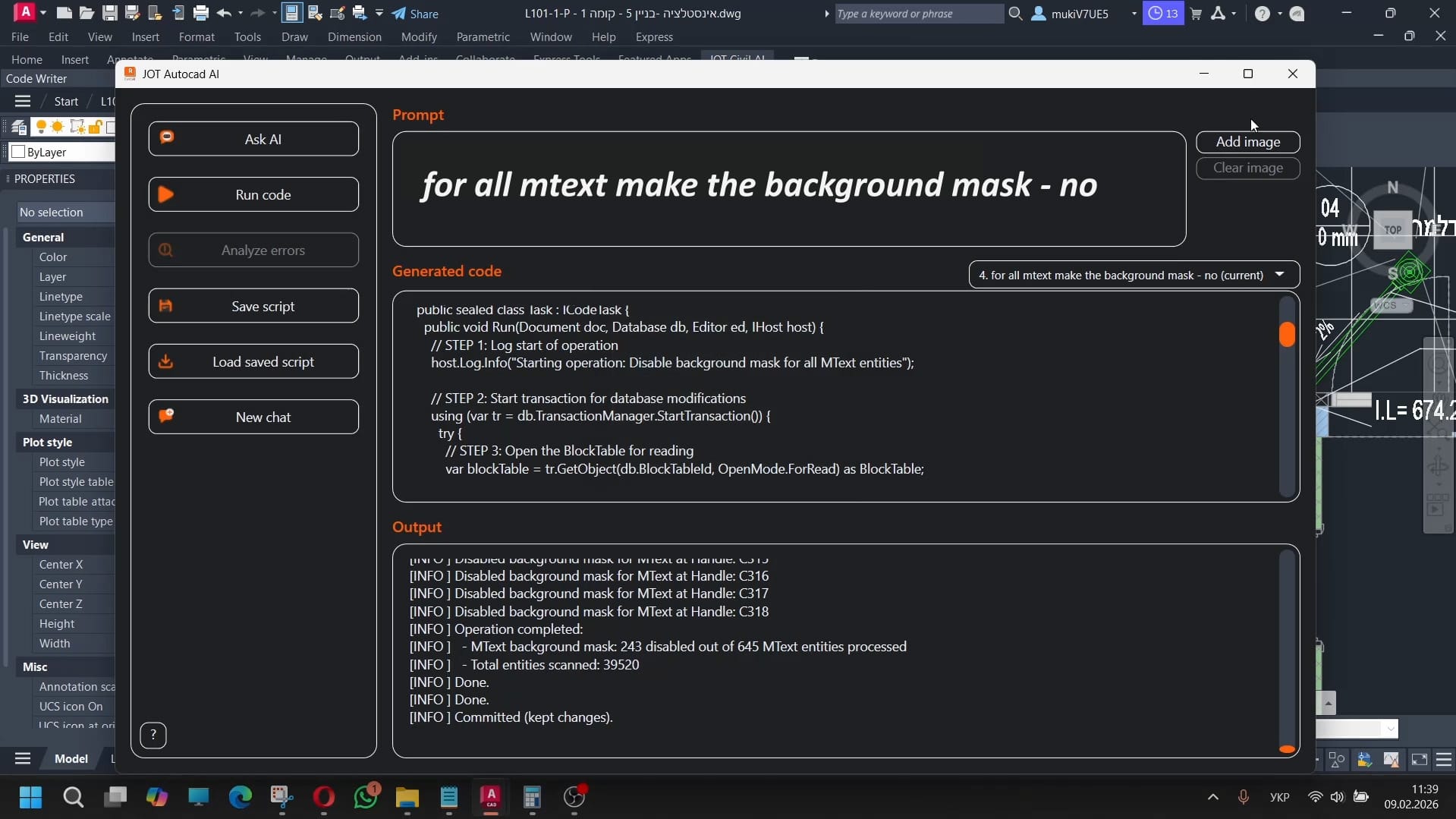
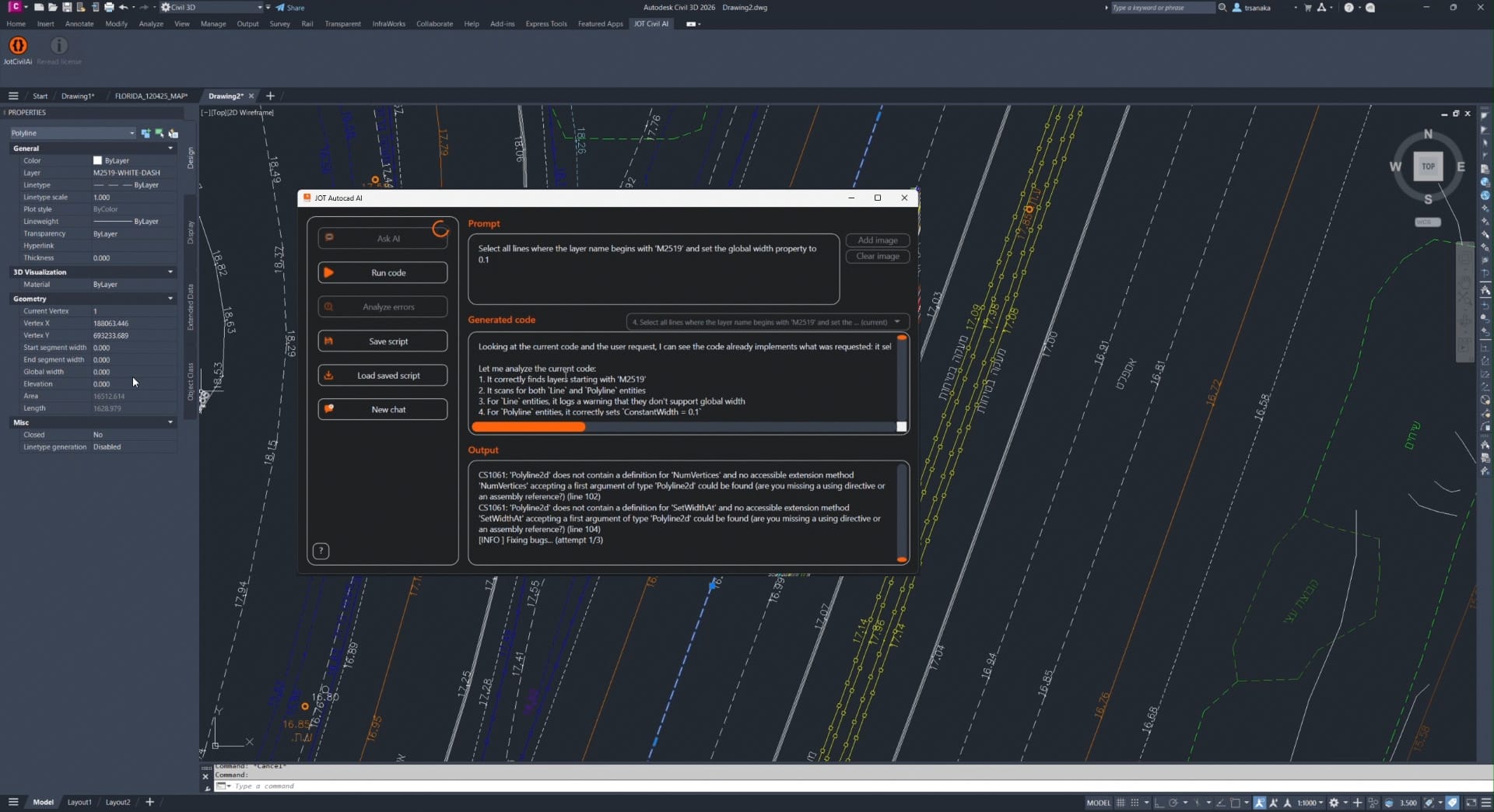
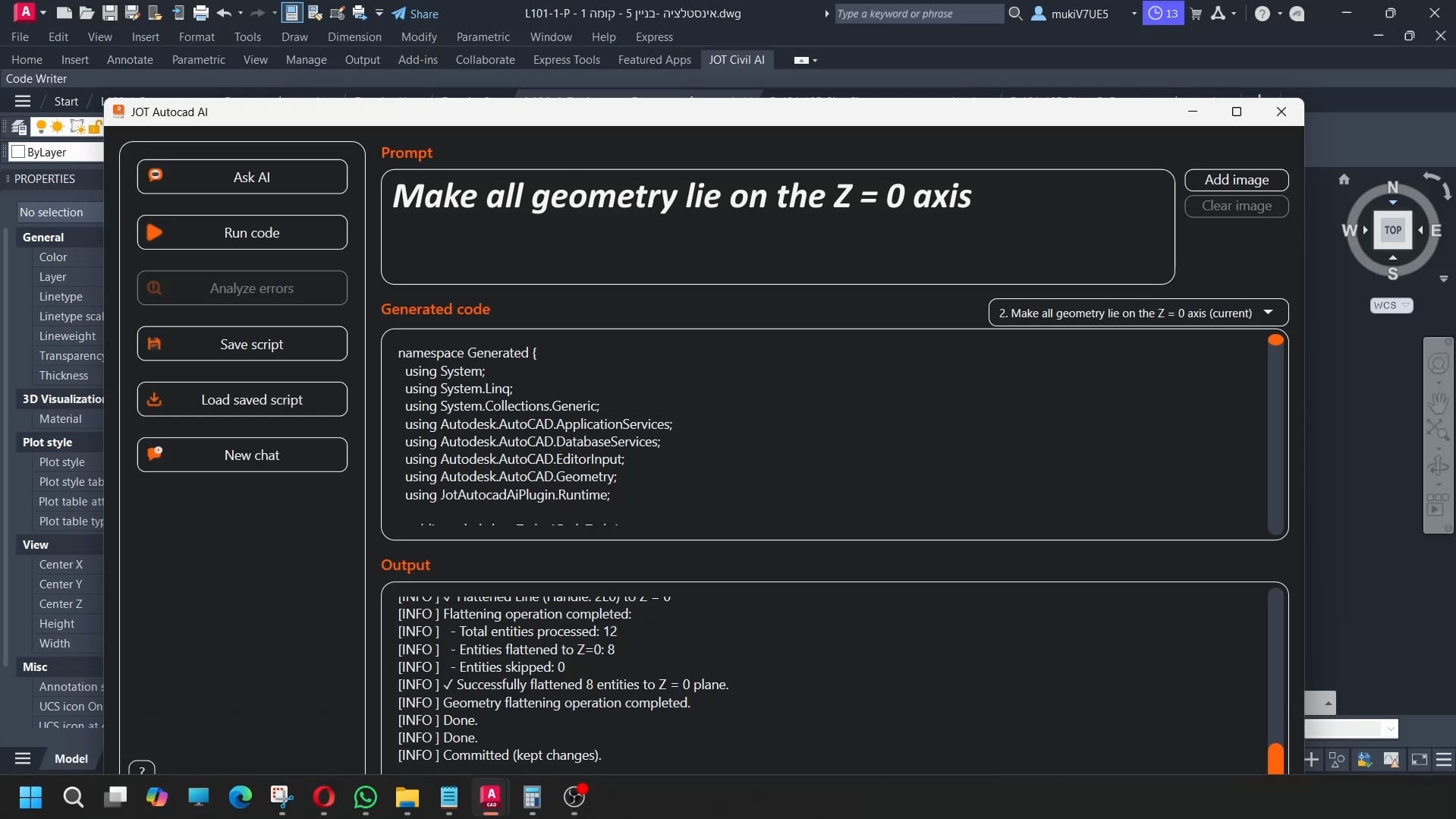
AutoCAD and Civil 3D projects are packed with necessary but time-consuming micro-tasks. Instead of building scripts or maintaining custom routines, simply describe what you need — the plugin creates, executes, and saves the automation for you, instantly.

Capabilities

Key Features

Everything you need to accelerate your AutoCAD and Civil 3D workflows

nocoding3

No-Code Automation

Create custom AutoCAD and Civil 3D automations using plain language — without writing LISP routines, scripts, or API code.
adaptive workflow

Adaptive Workflows

Turn AI logic into flexible tools. Build workflows with interactive inputs, parameters, and conditions that can be adjusted before execution.
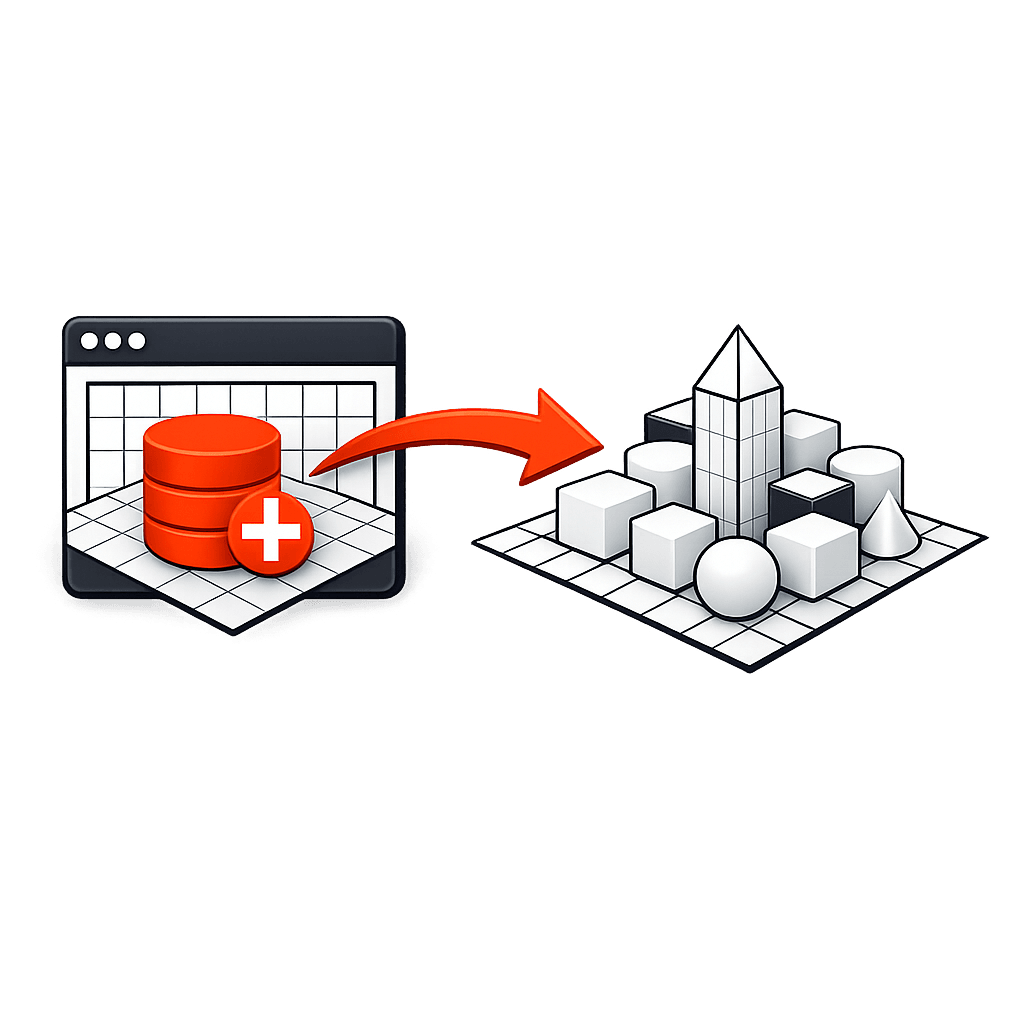
Bulk Object Generation

Bulk Object Generation

Automatically place blocks, alignments, profiles, pipes, surfaces, or other objects in bulk using rules, spacing, offsets, or intersections.
Reusable Automations

Reusable Automations

Store your generated automations and reuse them across drawings and projects with a single click.
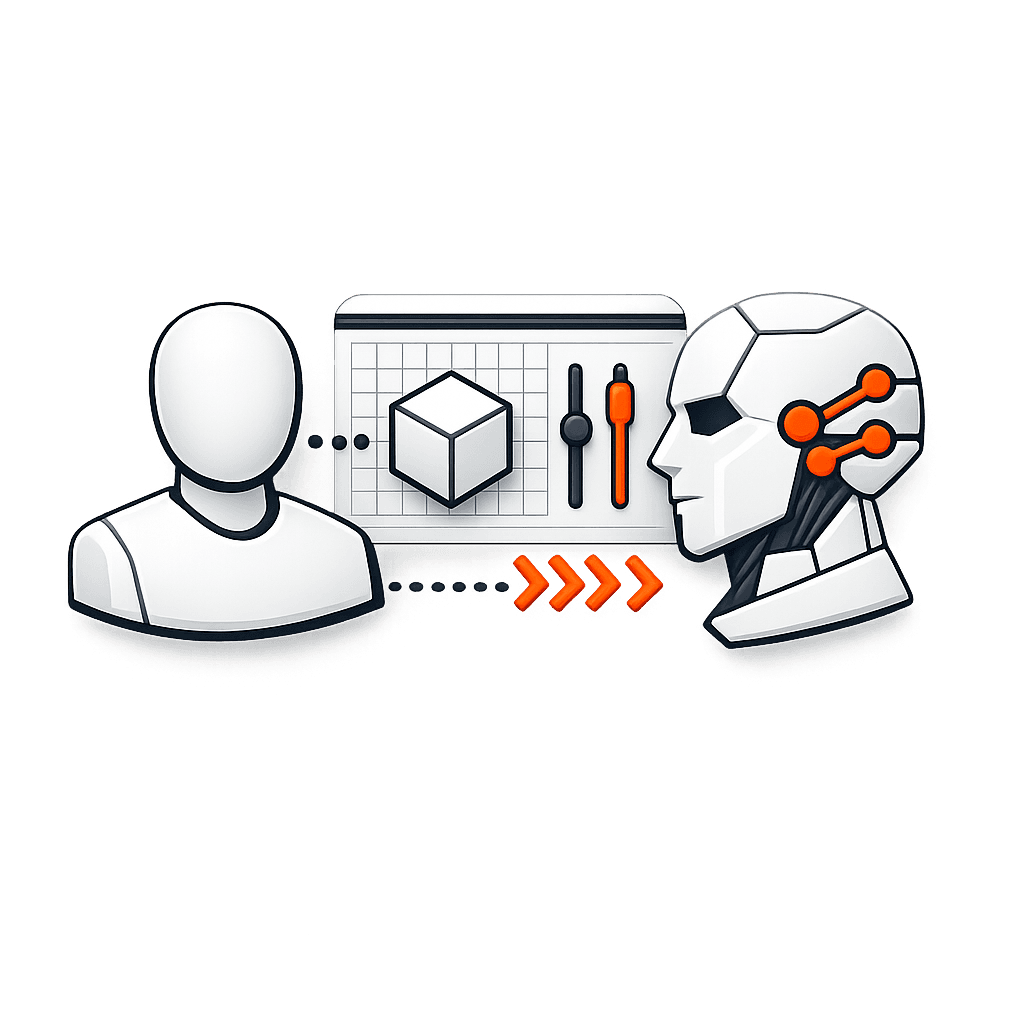
Human to AI Interface

Human-to-AI Interface

A natural language layer that translates engineering intent into precise, executable actions inside AutoCAD and Civil 3D.
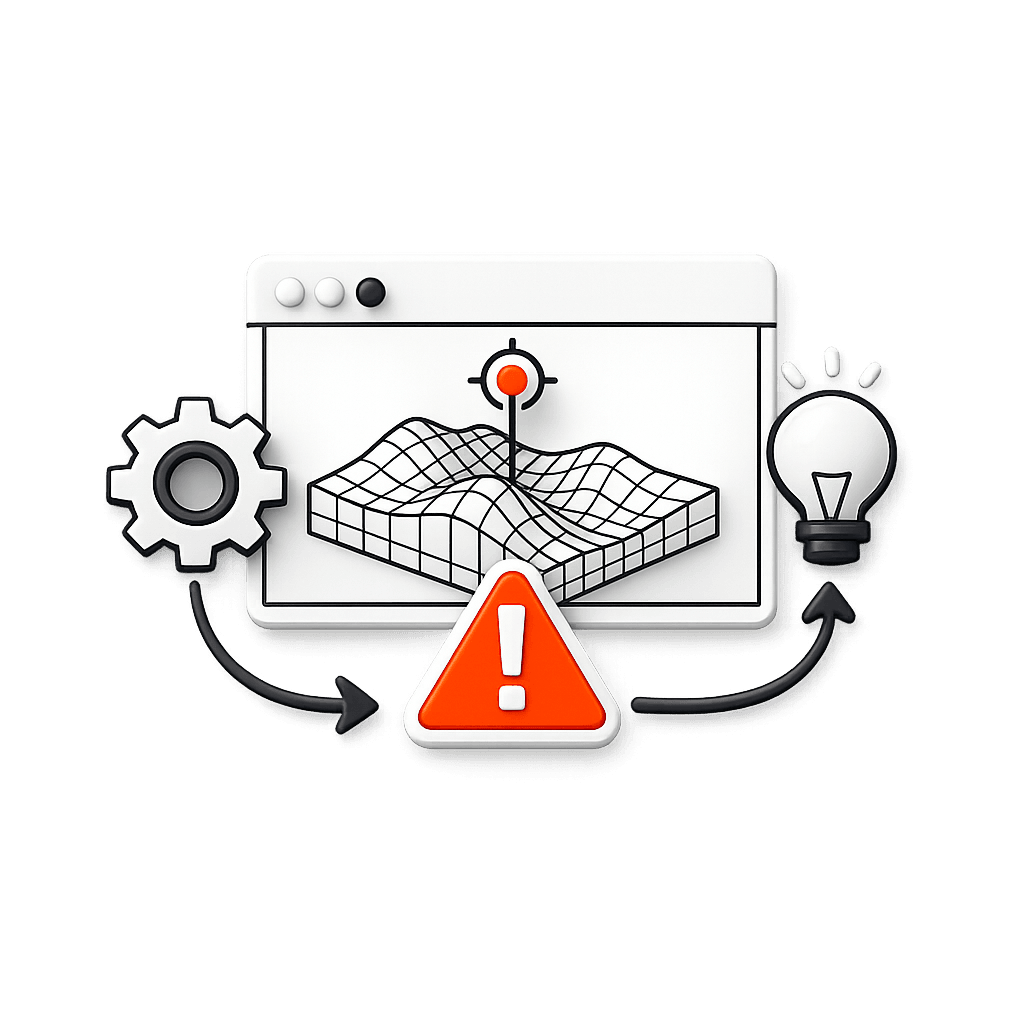
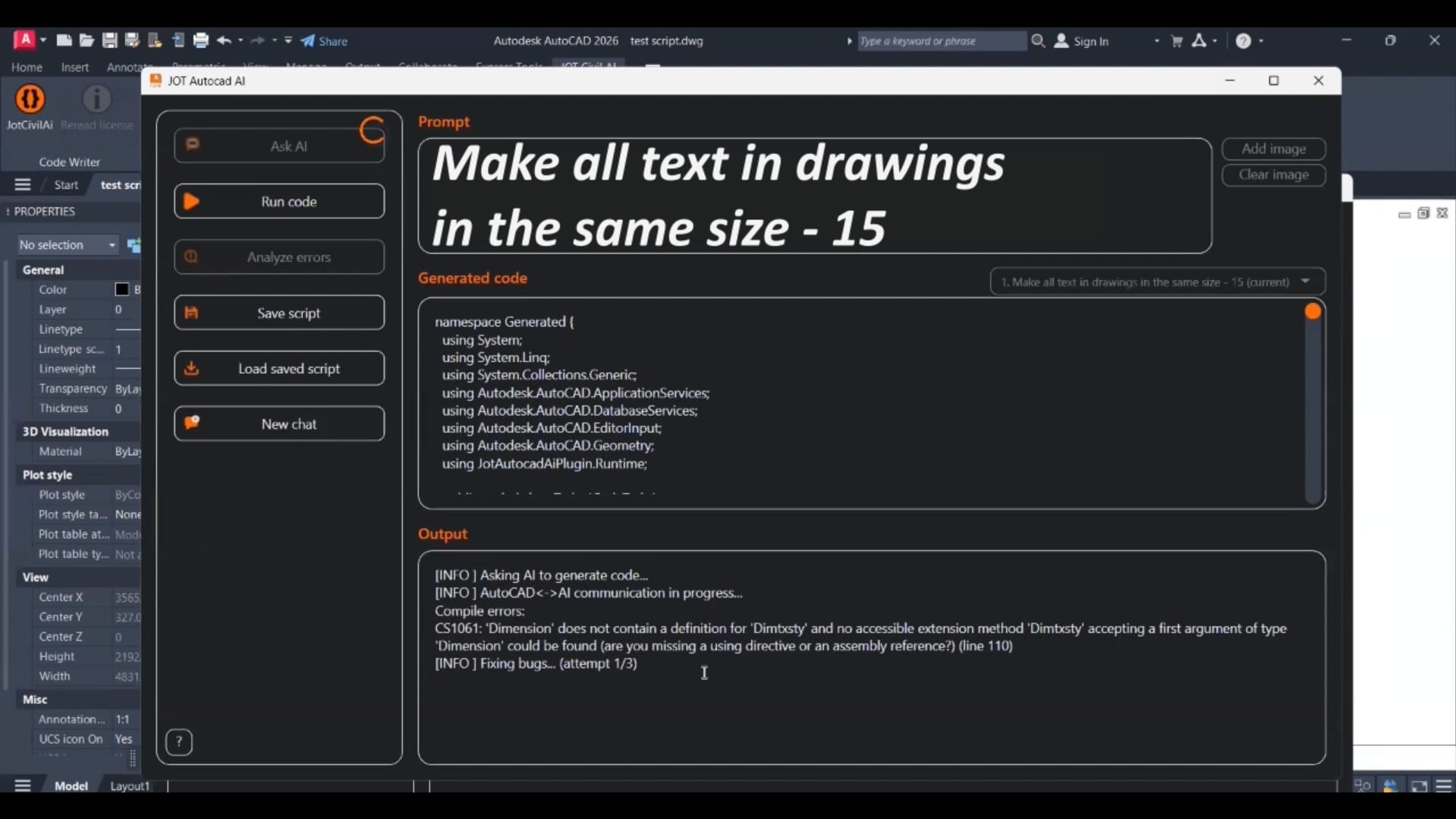
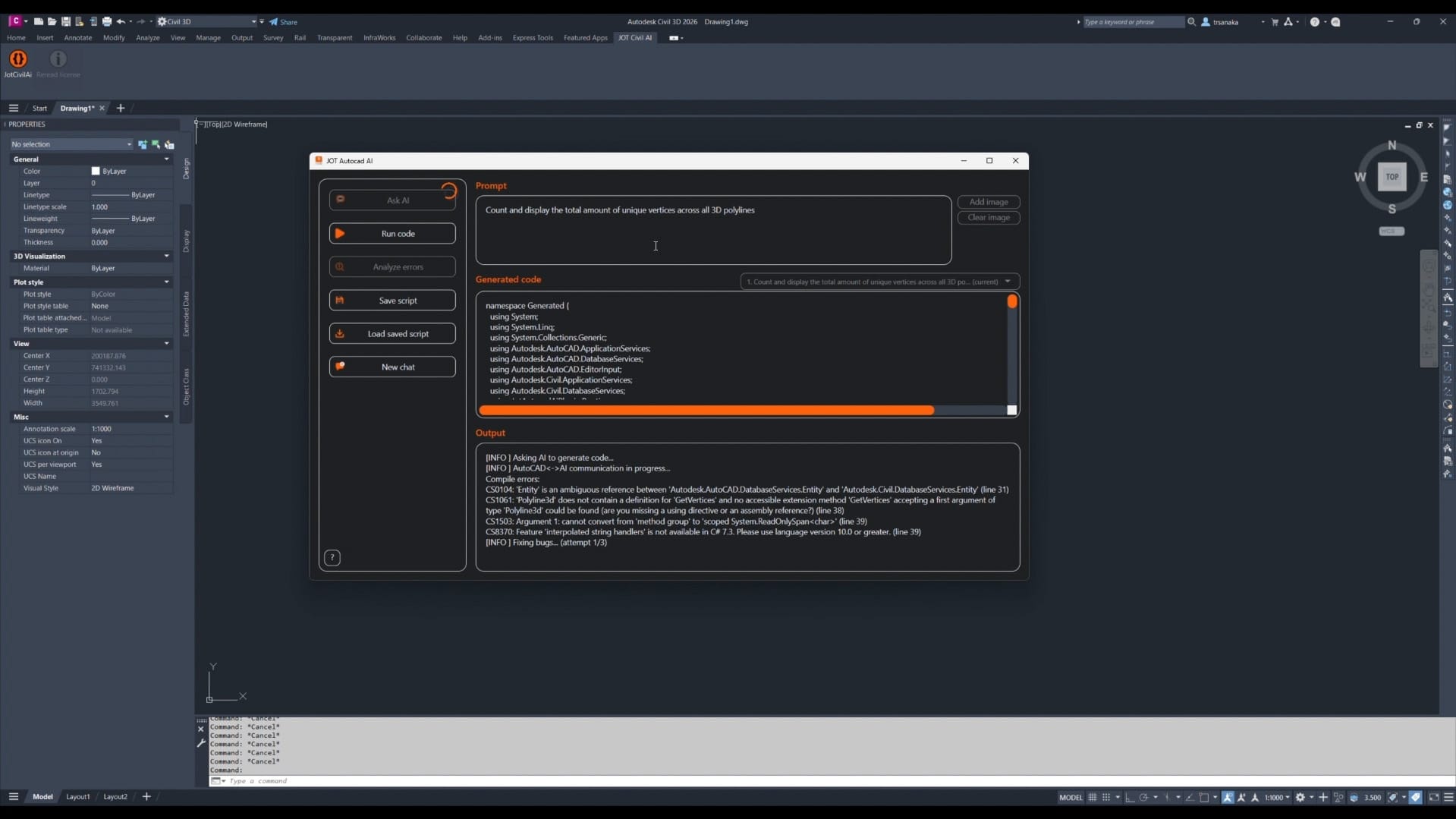
Intelligent Error Handling

Intelligent Error Handling

Detect and resolve automation issues automatically. AI analyzes errors, corrects logic, and fixes problems without manual debugging.
Simple Process

How It Works

A streamlined workflow for anyone, at any level

STEP 1

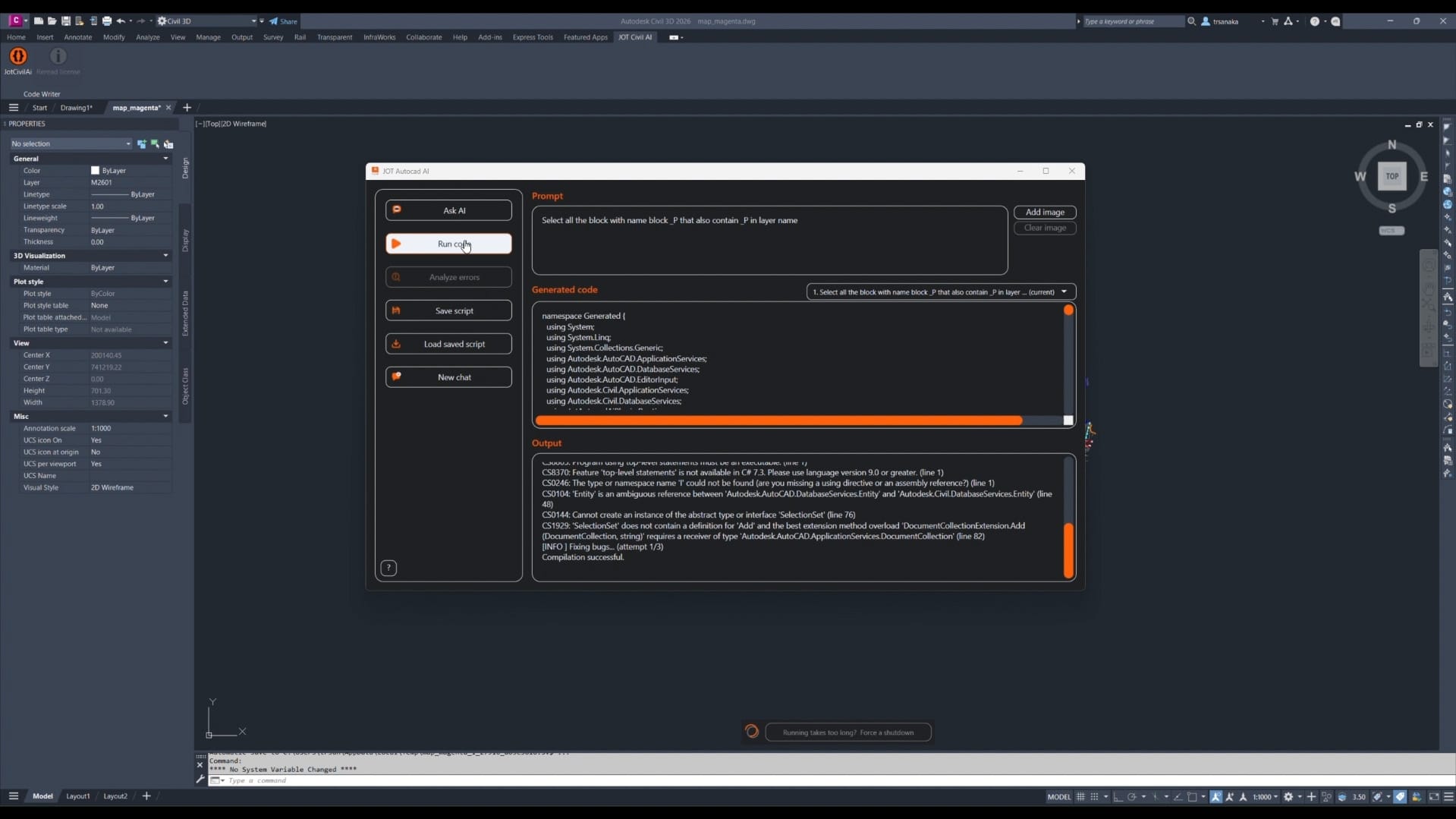
Write a request in plain English

STEP 2

Click “Ask AI” to generate the code

STEP 3

Run the code and get results

Refine your prompt and try again — the workflow is iterative and flexible.

v3 road paint 2 (0 00 09 20)

Use Cases

From Task to Automation — In Minutes

Explore practical examples of how teams eliminate manual work, standardize processes, and scale automation across projects.

Need clarity on any feature?

Our experts are here to guide you through the details.

Benefits

From Task to Automation — In Minutes

Unlock the real value of AI-driven automation throughout your AutoCAD and Civil 3D workflows.

save time 1

Save Time

Turn routine drafting and modeling tasks from hours into minutes — sometimes seconds.
Fewer Manual Mistakes

Fewer Manual Mistakes

AI-driven automations follow consistent logic, reducing errors caused by repetitive manual work.

Higher Project Quality

Higher Project Quality

Free up time for engineering decisions instead of repetitive edits and corrections.

No Steep Learning Curve

No Steep Learning Curve

If you can explain the task in plain language, you can automate it.

Built for Team Workflows

Built for Team Workflows

Create automations once and reuse them across drawings, projects, and team members.

Automation That Scales

Automation That Scales

Save, share, and reuse AI-generated workflows as your projects and teams grow.

who is it for2

Who Is It For?

How to Get Started

Watch the video below to learn how to install the J.O.T AutoCAD and Civil 3D AI plugin.

Inst Cover

Installation steps​

Step 1. Create an Account
Go to the J.O.T Plugins Store and create your account.

Step 2. Download the Plugin
Open the Plugins tab, activate the J.O.T AutoCAD AI plan, and download the installer.

Step 3. Install and Open in AutoCAD or Civil 3D
Run the installer, launch Autodesk AutoCAD or Civil 3D, and locate the J.O.T AutoCAD AI tab.

Step 4. Run Your First Task
Log in with your account, describe what you want to automate, generate the script, and run it in AutoCAD or Civil 3D.

Step 5. Increase Your Daily Limits
Need more requests per day? Contact us using any convenient method to upgrade your limits.

Need onboarding support?

Our team is ready to assist you in a live one-on-one session.

FAQ

Still have questions?

What does the J.O.T AutoCAD & Civil 3D AI Plugin actually do?

It turns plain-language instructions into automated actions inside AutoCAD and Civil 3D, helping eliminate repetitive drafting and modeling work.

No. All automations are created through simple text prompts, without writing code or building custom routines.

The plugin supports Autodesk AutoCAD and Civil 3D versions 2022, 2023, 2024, and 2025.

Yes. The generated automations are designed to work reliably across projects of varying size and technical complexity.

Yes. You can review, adjust, and save generated workflows to better fit your standards or future use.

Users create an account, activate a trial or subscription, and use the plugin on supported AutoCAD and Civil 3D versions with daily usage limits.

Absolutely. Saved automations can be shared and reused to maintain consistent workflows across teams and projects.

No. Automations only run when you explicitly execute them. You stay fully in control of all actions.

Yes. All operations follow Autodesk API standards, and automations can be reviewed before execution.

Yes. All actions are recorded in AutoCAD and Civil 3D’s standard Undo history.

Yes. Code generation and error analysis require cloud processing.

You can use the contact form on the website to reach support or request assistance from a specialist.

Your AutoCAD & Civil 3D. Your Workflow. Supercharged.

J.O.T AutoCAD & Civil 3D AI Plugin brings intelligent automation into everyday drafting and engineering workflows — without scripts, routines, or setup overhead.If you can explain what you need done, the AI can automate it. Describe the task, let the plugin handle the logic, and run it directly inside AutoCAD or Civil 3D.

No coding. No custom routines. No friction. Just write, execute, and keep moving.

jot ai find

Find top talent effortlessly with our AI-powered form! Analyze work examples and connect with the right candidates fast.
Start building your team today!